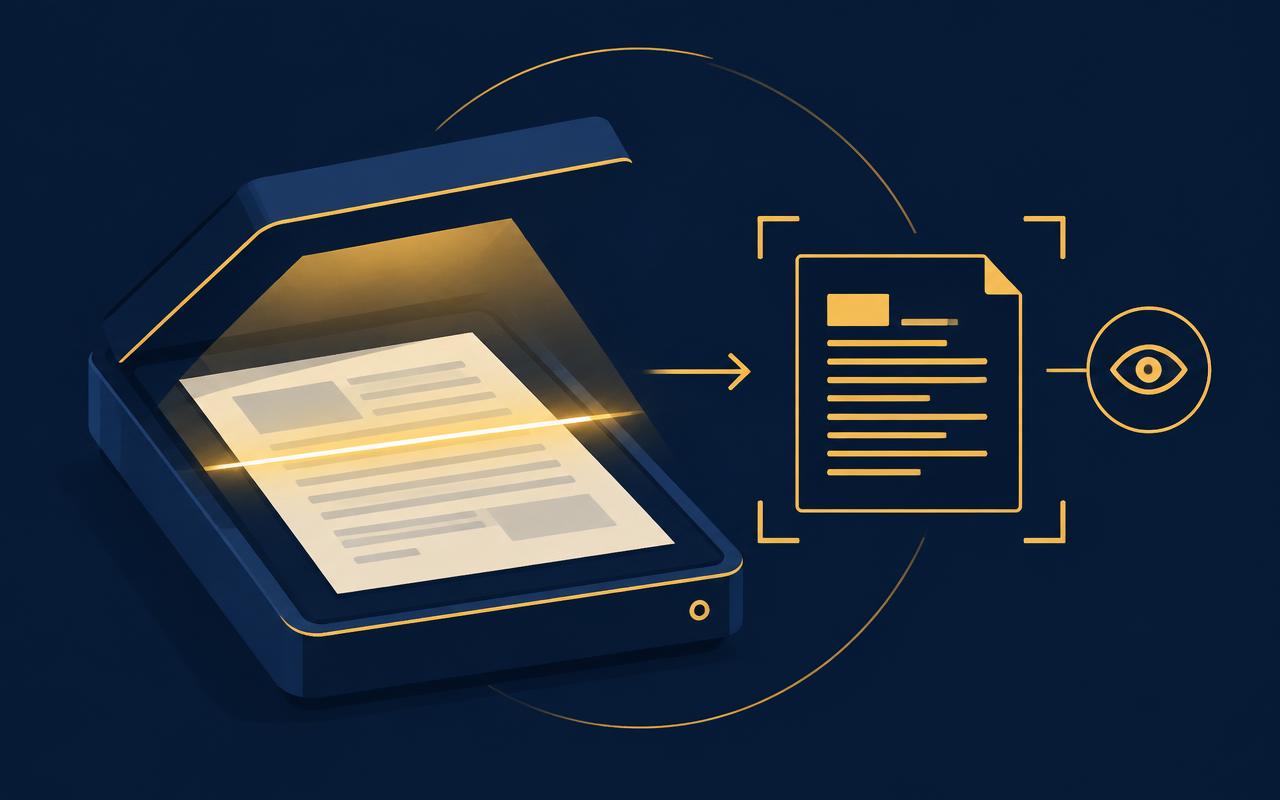
Processing happens inside the browser sandbox. There is no upload step to audit, no retention policy to trust and nothing to leak.
Zero bytes transmitted during processing
Works fully offline once loaded
Suitable for legal, medical and financial files
Work Studio
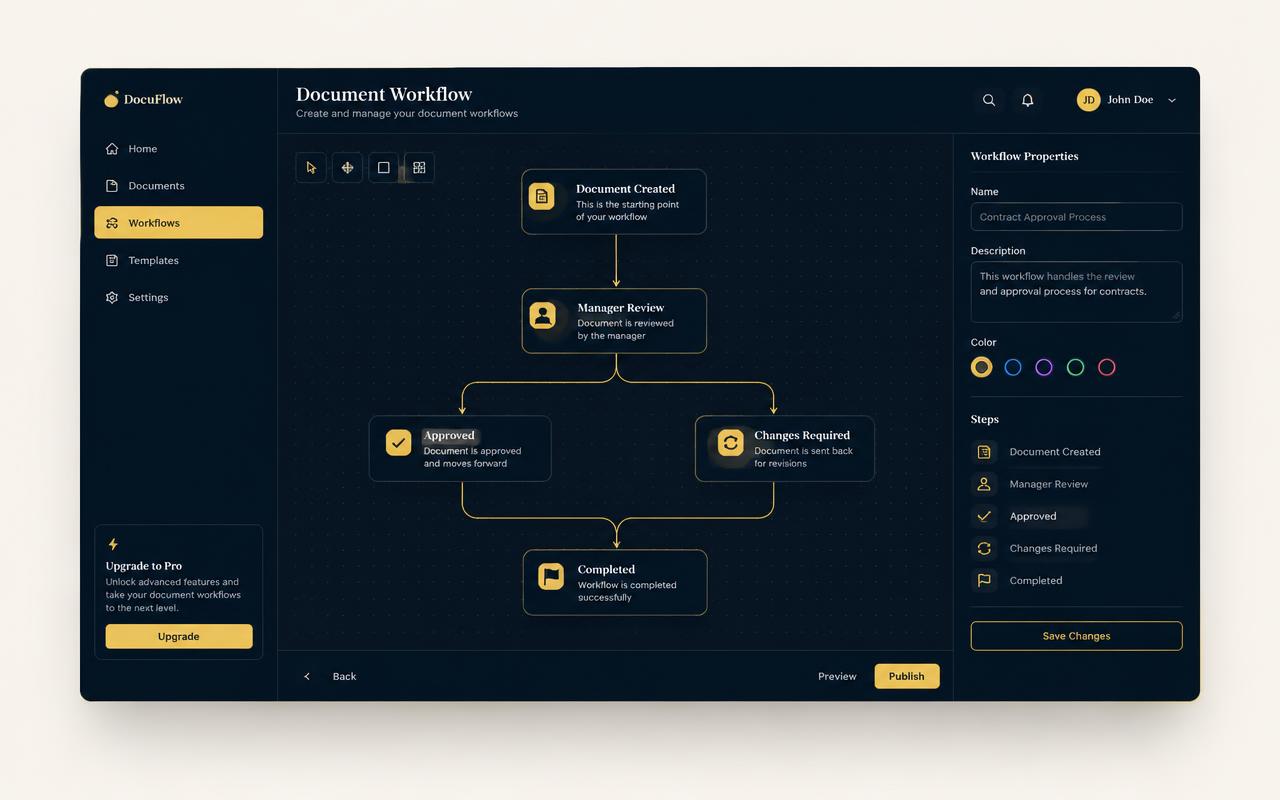
Turn a ten-step chore into one click
Compose tools into a workflow, save it as a preset and run it across a whole folder of documents whenever you need it.
Visual step builder
Conditional branches
Batch execution with progress
Performance
Native-grade speed, no install
Compiled Rust modules stream pages as they render, so a 400-page merge feels instant instead of queued.
Multi-threaded rendering
Incremental output
No queue, no rate limits
What you get
A complete document workspace, entirely on your machine
Every capability below runs locally. There is no upload queue, no processing tier and no file retention to reason about.
100% client-side
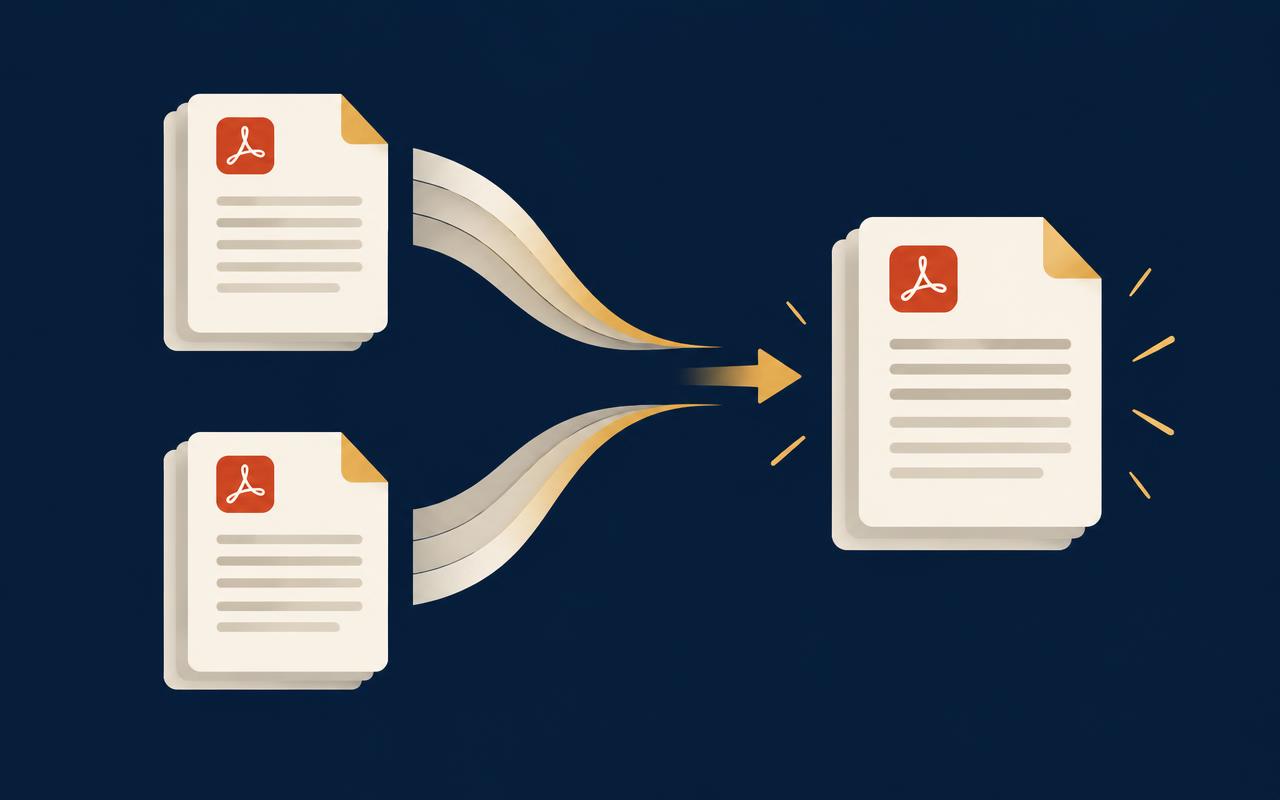
Merge, split, OCR and redact locally. Files never leave the device.
No uploads
No server logs
Works offline
Work Studio
Chain tools into repeatable, multi-step document workflows.
Drag-and-drop steps
Reusable presets
Batch runs
WASM-accelerated
Heavy lifts run on compiled Rust for native-grade speed.
Parallel pages
Streaming output
Instant preview
133 tools
Everything from compression to form filling in one workspace.
Convert
Edit
Secure
Encryption built in
Password-protect, sign and permanently redact sensitive pages.
AES-256
True redaction
Digital signatures
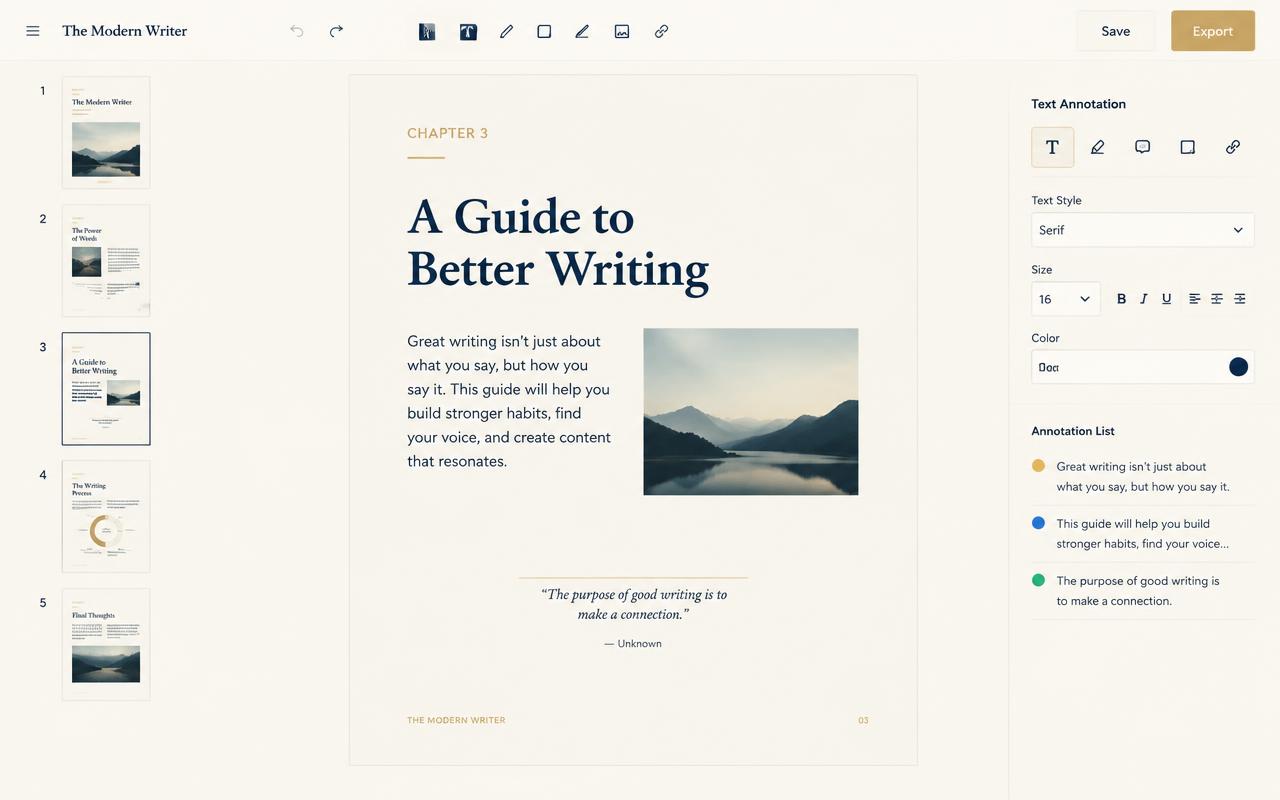
Full document editor
Rearrange, annotate and rewrite pages without round-tripping.
Page canvas
Text layer edits
Version history
Free tools
Try the tools, no account needed
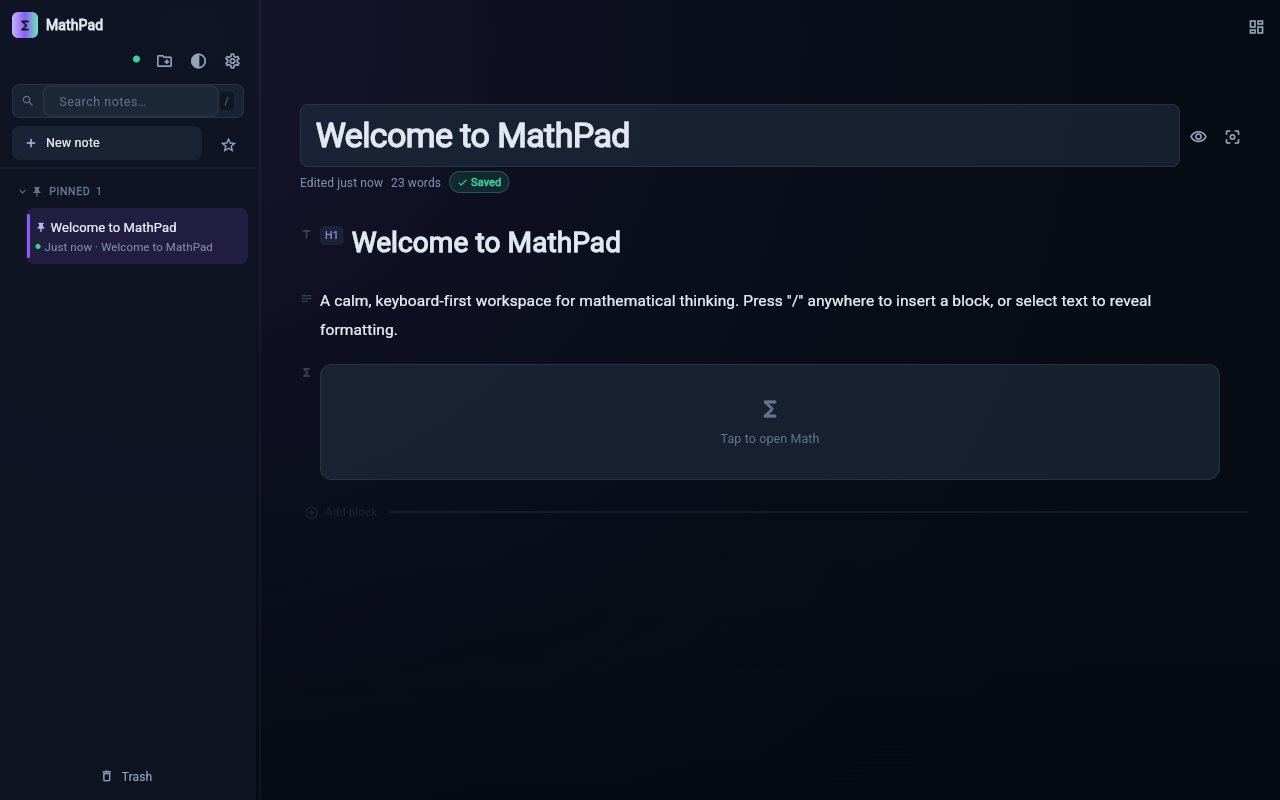
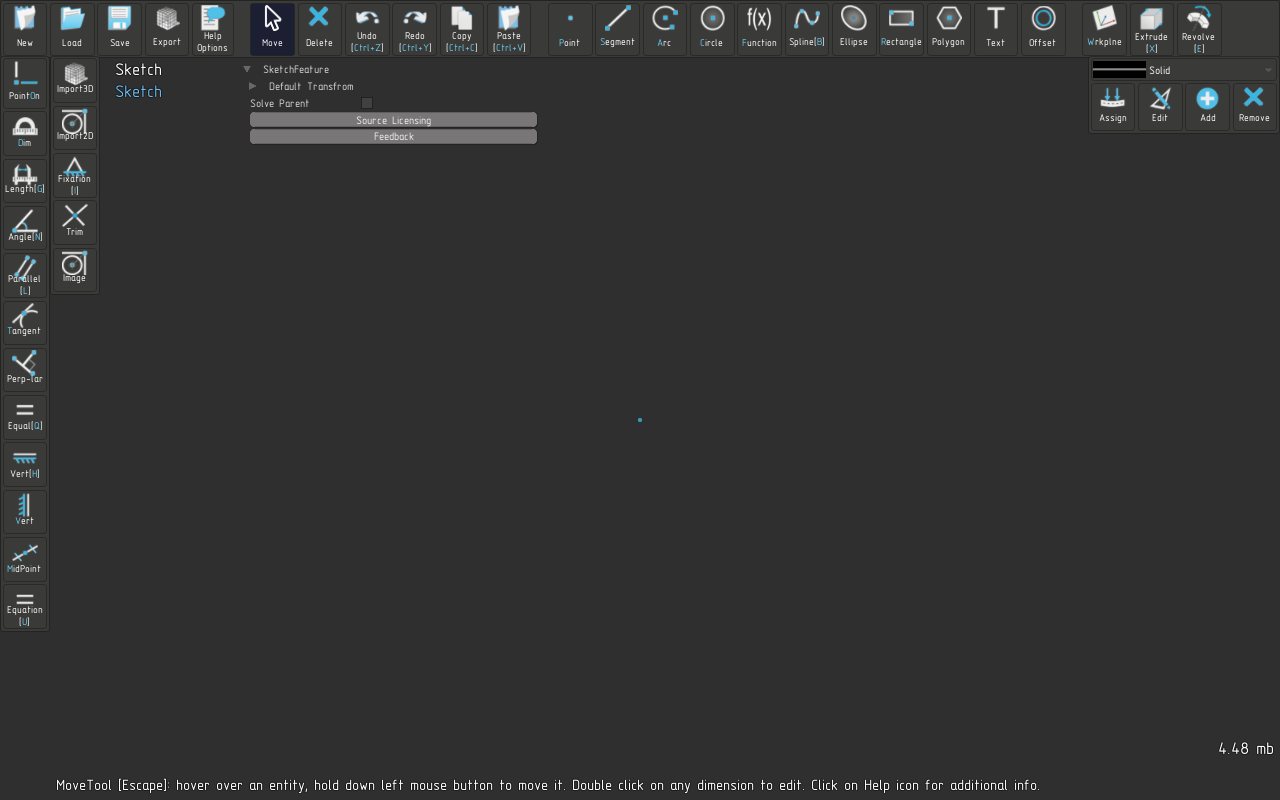
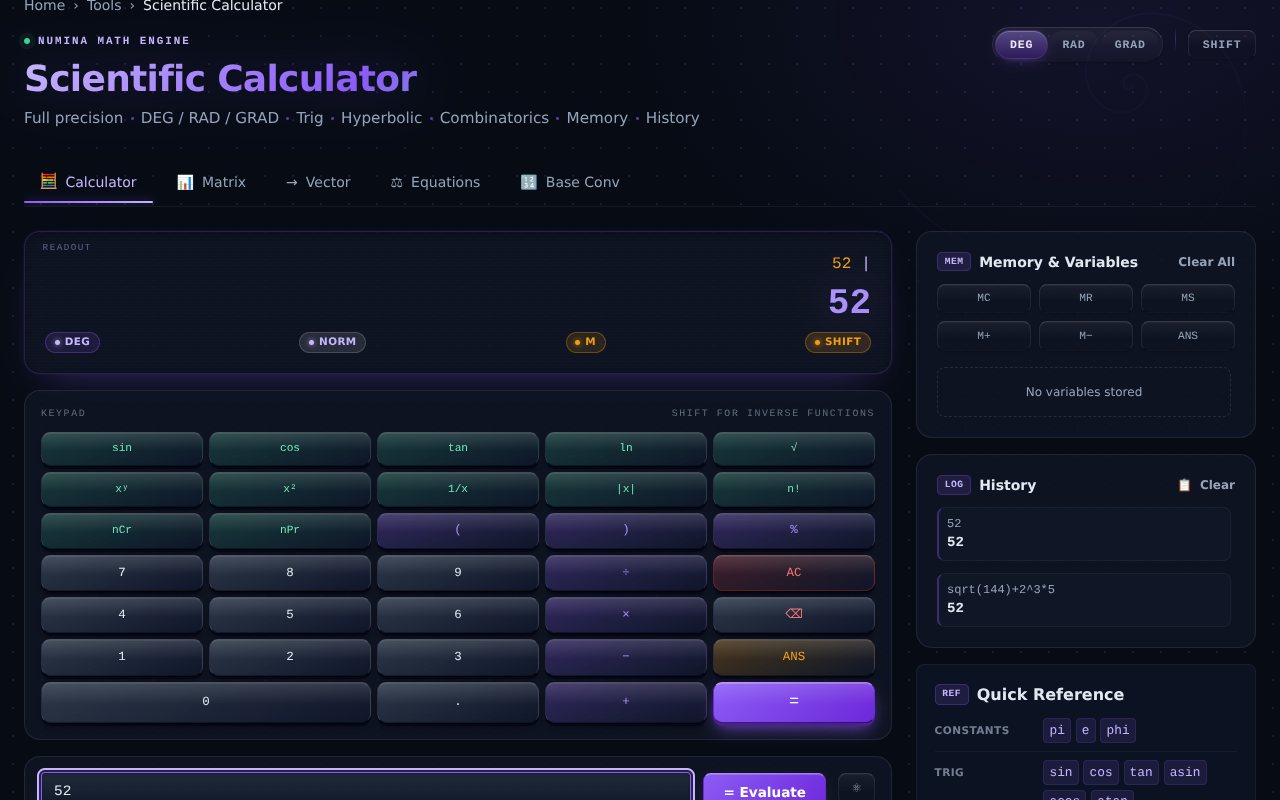
Every tool runs in your browser. Open a PDF tool to see how it works and the matching tutorial, or open the notepad, CAD studio and calculators to use them right here.
Still unsure? The answer is almost always 'it runs locally'.
Correct. Every tool runs inside your browser using WebAssembly. You can disconnect from the network after the page loads and keep working — nothing is transmitted during processing.
Limits come from your device memory rather than a server quota. Documents of several hundred megabytes process comfortably on a modern laptop, and pages stream as they finish.
You do not, for the tools themselves. An account only syncs your saved workflow presets and preferences across devices — the documents stay local either way.
Yes. Once the workspace is cached, the full toolkit and Work Studio run without a connection.
Yes. Redacted content is removed from the underlying document stream, not covered with a rectangle, and the metadata is rewritten on export.
Recent versions of Chrome, Edge, Firefox and Safari. WebAssembly and multi-threading are used where available, with a single-threaded fallback elsewhere.
Keep your documents where they belong
Create an account to sync your workflow presets. The documents themselves never leave this browser.