FreeExtract exactly what you need
Split PDF
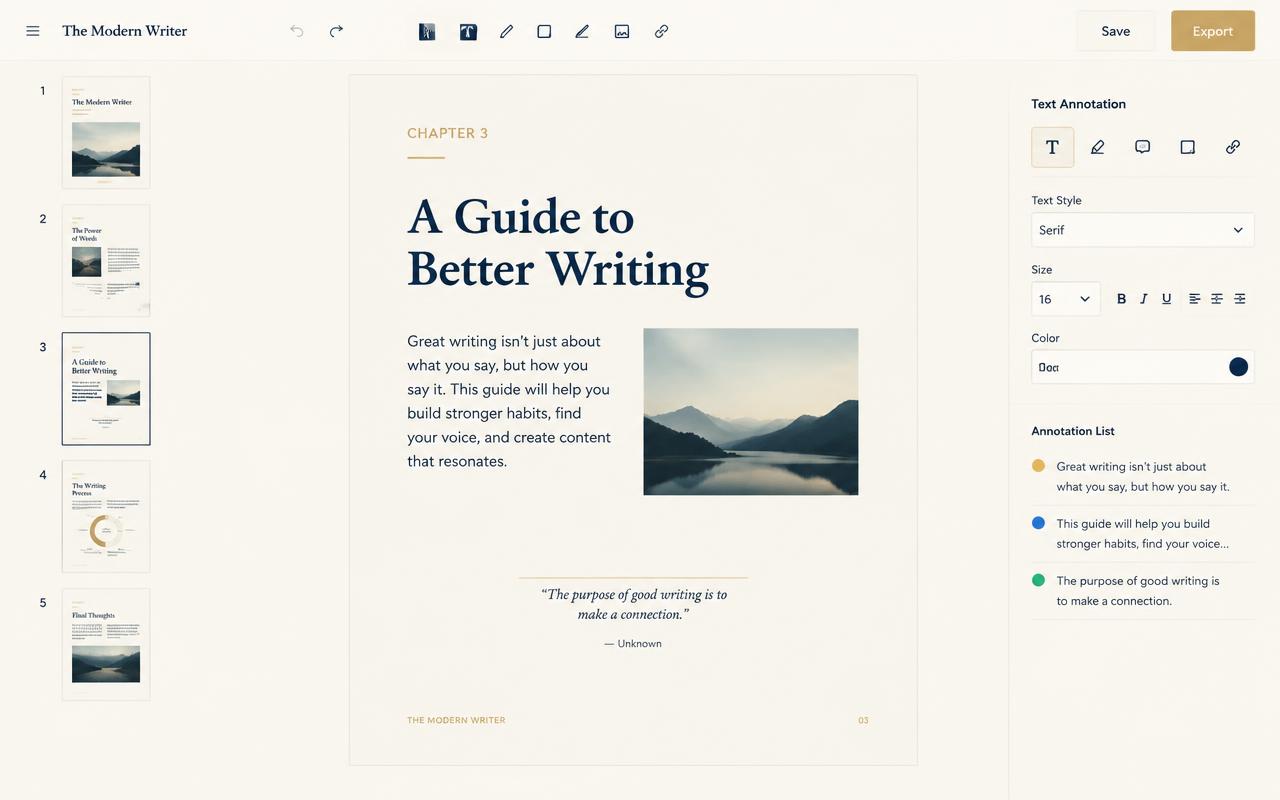
Split PDF cuts a document the way you think about it: pull out a page range, split at every bookmark, or divide until each part fits an email limit. Every part previews before you download.
How it works
- 1
Open the file
Thumbnails render instantly for any page count.
- 2
Choose a mode
Range, bookmark, size or every-N-pages.
- 3
Preview parts
Check each output before committing.
- 4
Export all
Download parts individually or as a zip.
What you get
- Page ranges
- Bookmark splits
- Size-based parts
- Zip export