BetaEditing
Full document editor
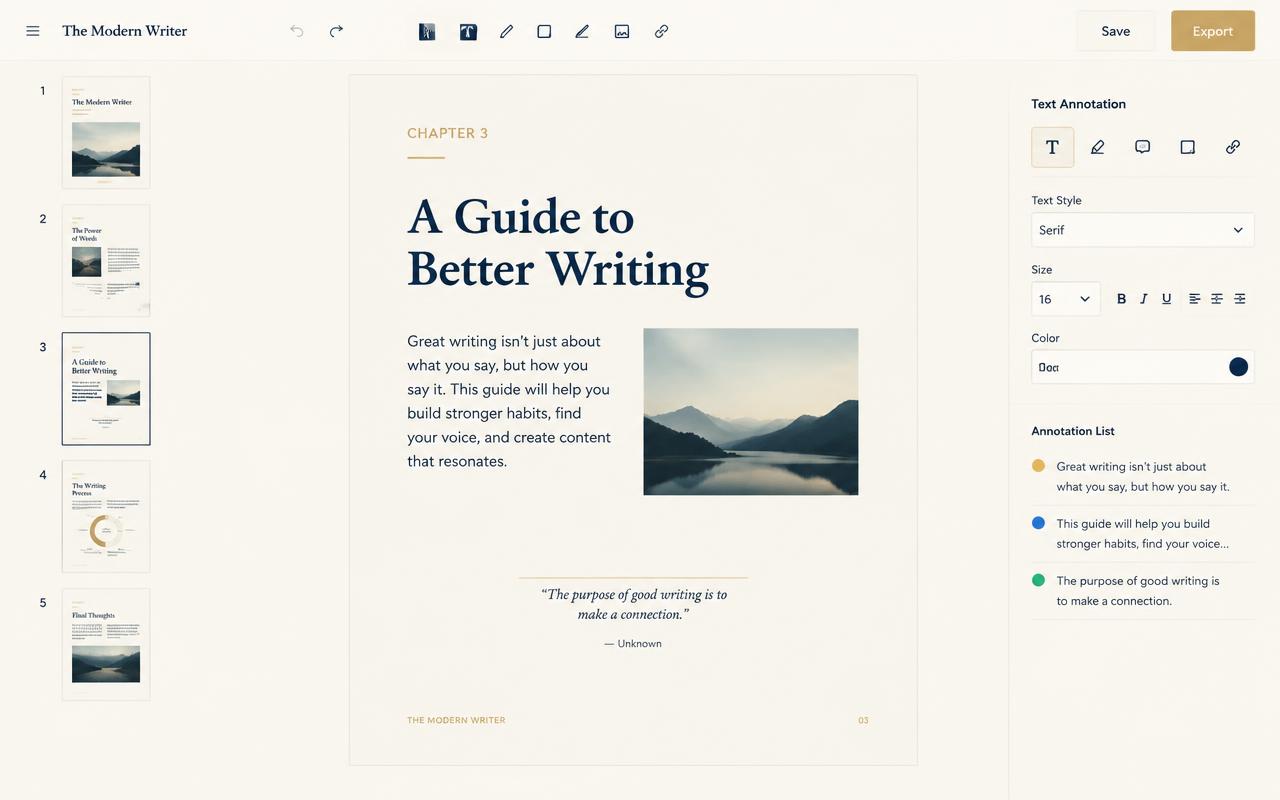
A complete page canvas with thumbnails, a real text layer and annotation tools. Rewrite a paragraph, move pages, add comments and keep a version history — without exporting to another editor and back.
Highlights
- Page canvas with drag-to-reorder thumbnails
- Edit real text, not overlays
- Annotations, shapes and version history
How it works
- 1
Open the canvas
Thumbnails on the left, live page in the centre, tools on the right.
- 2
Reorder pages
Drag, duplicate, rotate or delete pages in place.
- 3
Edit and annotate
Change text inline, add comments, highlights and shapes.
- 4
Fill forms
Map data into fields and flatten for distribution.
Tools included
- Page canvas
- Reorder, rotate, duplicate and delete.
- Text layer
- Inline editing with font matching.
- Annotate
- Comments, highlights, stamps and shapes.
- Forms
- Fill, validate and flatten form fields.